
Lead with one message
The banner should have a clear first read.
Design guide
Banner design is not about adding more. It is about deciding what the viewer needs to understand first and making the layout support that instantly.
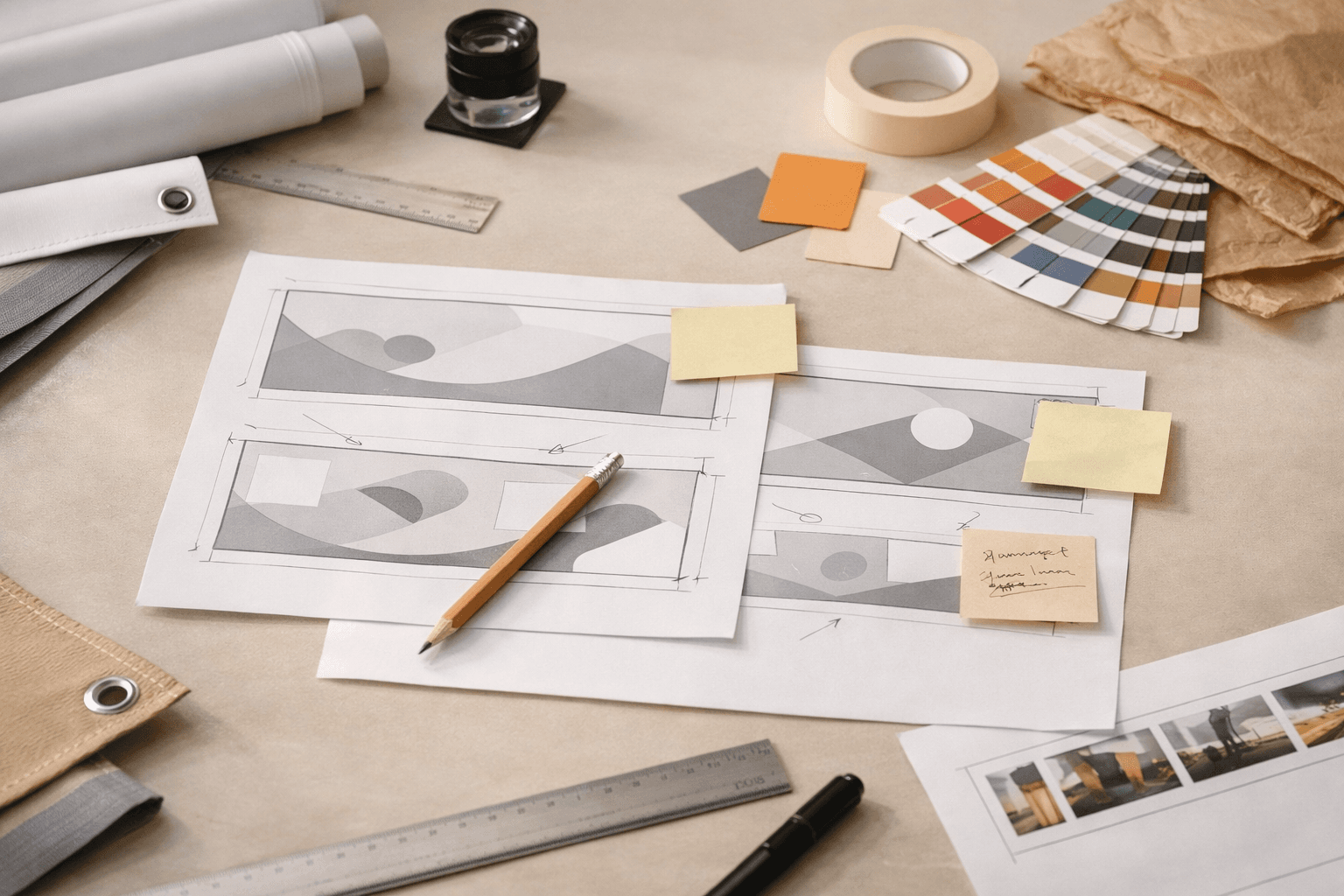
The banner should have a clear first read.
People rarely read banners as closely as they read a screen.
The banner should be judged at size, not only in the design app.
Is the banner promotional, directional, celebratory, or decorative?
Choose the one message someone should understand in two seconds.
Make the headline largest, then add only the support details that matter.
A banner can look polished on your screen and still break down in print if the crop is too tight or the source artwork is weak. That is why the final proof point should be the preview and the file check, not only the design software canvas.
Ready to print
Once the hierarchy feels right, the next move is checking how it behaves in the real banner format.