
Banner size
2 x 3 ft
Size page
A 24 x 36 banner is the right move when you need something more polished than a poster but smaller than a booth backdrop.
These pages focus on real banner-printing questions: how large the file can go, where the size works best, and how to order without guessing.
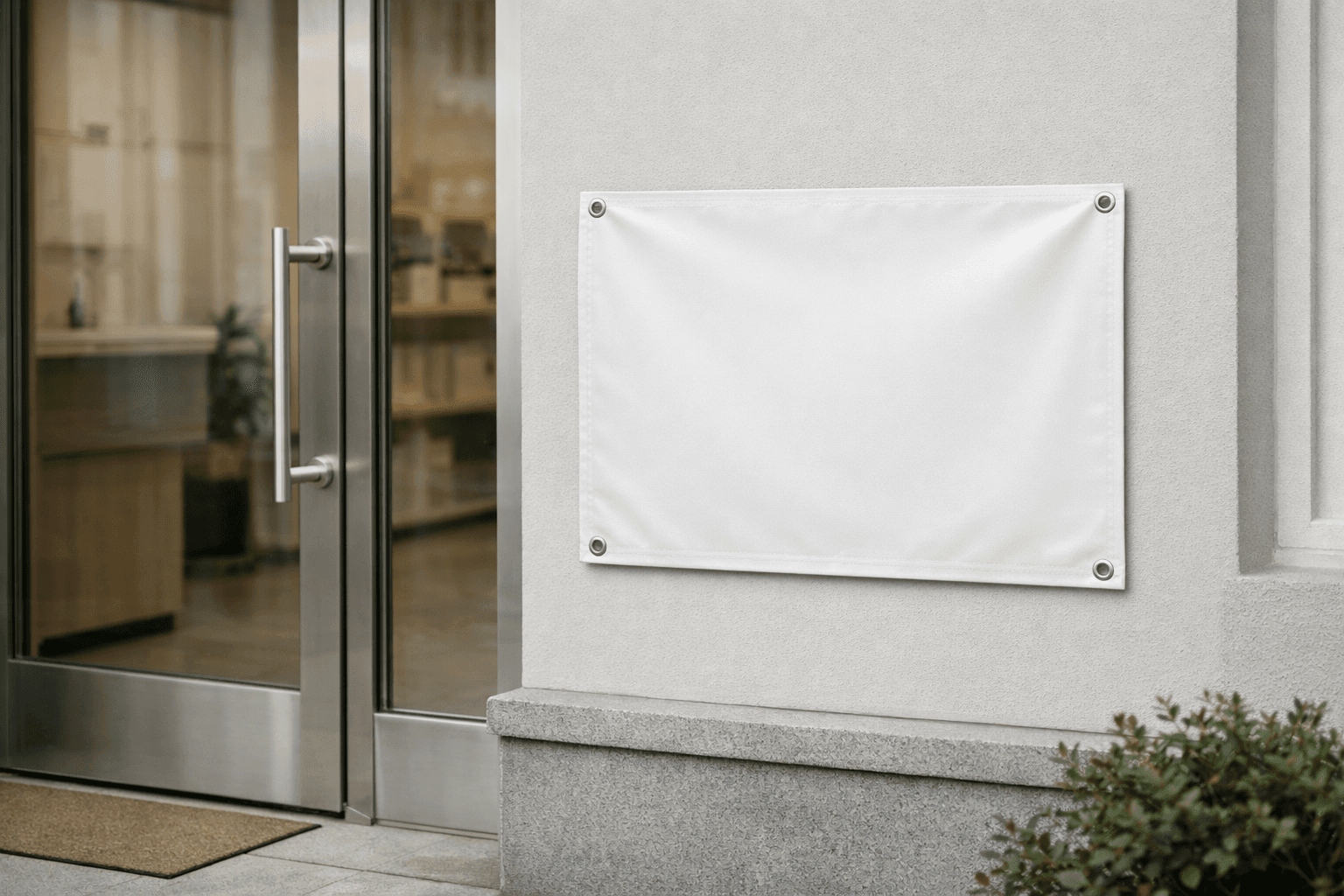
Banner size
2 x 3 ft
Inches
24 x 36 in
Starting price
Custom priced by area
A clear welcome or instruction sign near a doorway or check-in table.
Compact banners that support a product demo or community booth.
Short messages in tight indoor spaces where a 3 x 6 banner would be too wide.
Use 2 x 3 ft when the banner needs to fit the space cleanly and still read from the distance people will actually stand.
A clear welcome or instruction sign near a doorway or check-in table.
Compact banners that support a product demo or community booth.
Short messages in tight indoor spaces where a 3 x 6 banner would be too wide.
Banner quality at 2 x 3 ft depends on source file strength, viewing distance, and how much detail the design is trying to hold.
Smaller banners are often read nearby, so soft edges and weak text show up faster.
Bold headlines, logos, and uncomplicated graphics usually hold up best at this size.
A screenshot or compressed social asset can look acceptable on screen but weak at 24 x 36 inches.
2 x 3 ft works when you need something clear, fast, and easy to place. It is large enough to carry a logo, headline, and call to action without demanding the wall space of a full backdrop.
For most customers, the real question is not just dimensions. It is whether the file will still look sharp once the design is scaled to 24 x 36 in. That is where previewing the crop and checking resolution before checkout matters.
A few simple checks prevent most banner problems.
Use the size where it solves a real placement problem, not just where it sounds standard.
A clear welcome or instruction sign near a doorway or check-in table.
Compact banners that support a product demo or community booth.
Short messages in tight indoor spaces where a 3 x 6 banner would be too wide.
The flow is intentionally short so you can verify the file before you commit.
Start with PNG, JPG, or PDF artwork from your design tool.
See how the size and orientation affect the crop.
Move into the order flow once the file looks right for the selected size.
It depends on viewing distance. This size works well when people are fairly close. If the banner needs to read across a parking lot or a wide room, step up to a larger size.
You do not need photo-print resolution at full size, but you do need enough effective PPI for the distance the banner will be viewed from. Small text and detailed artwork need more pixels than simple graphics.
Yes. The point of MakeItBig is to let you upload, preview, and order online without slowing the process down.
Ready to print
Upload the design, check the crop, and move into the order flow with the size already selected.