
Preferred types
PNG, JPG, PDF
Preflight
Good banner printing starts before checkout. The right export settings, smart crop margins, and realistic expectations about viewing distance prevent most bad prints.
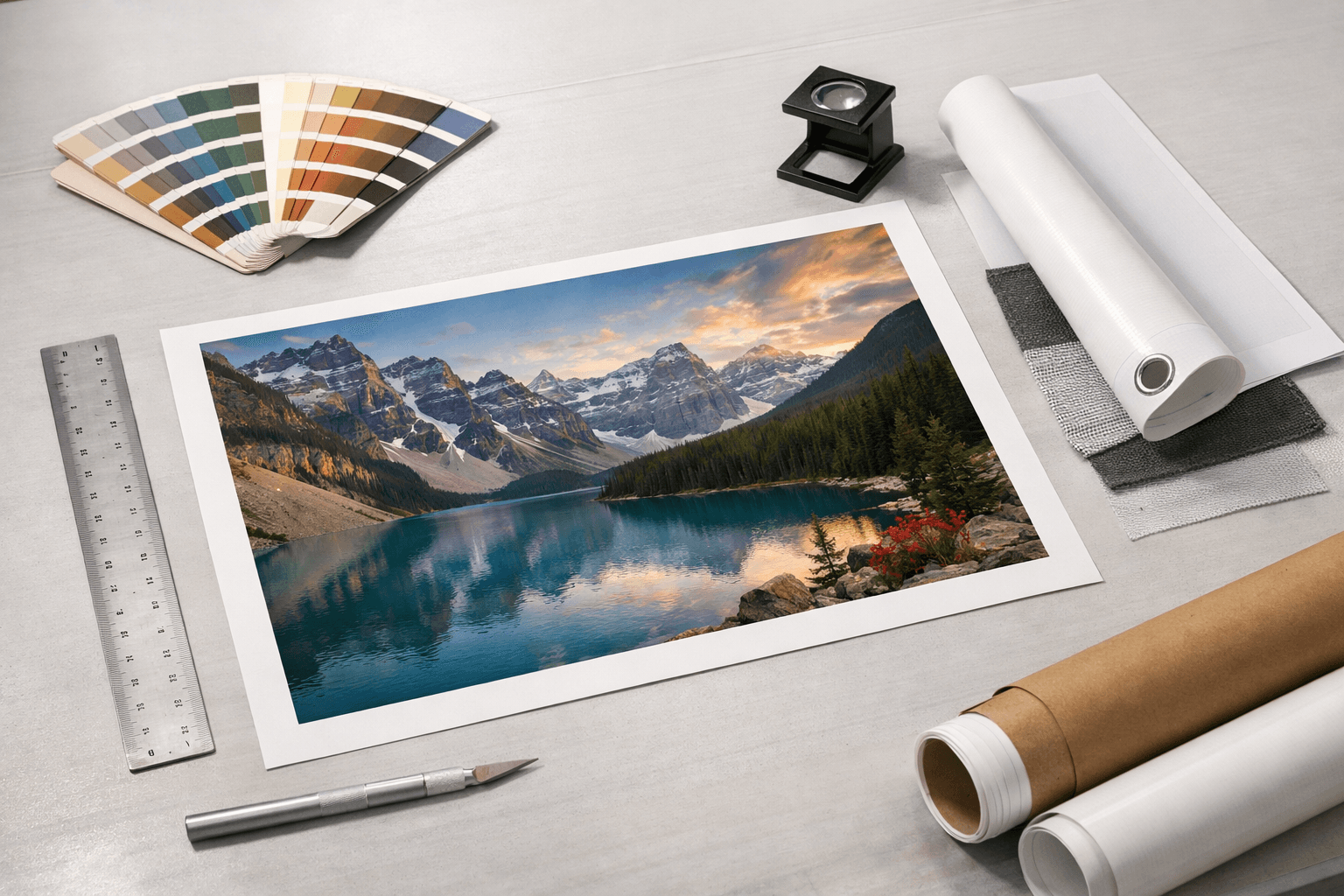
Preferred types
PNG, JPG, PDF
Most common issue
Small text
Best safety habit
Preview crop first
High-res images and vector PDFs give you more room to scale.
Banner graphics are judged from a few feet away or across the room, not at nose distance.
Keep critical type and faces away from the trim line.
Use this page when you want banner guidance tied to the actual buying decision, not just a generic product overview.
High-res images and vector PDFs give you more room to scale.
Banner graphics are judged from a few feet away or across the room, not at nose distance.
Keep critical type and faces away from the trim line.
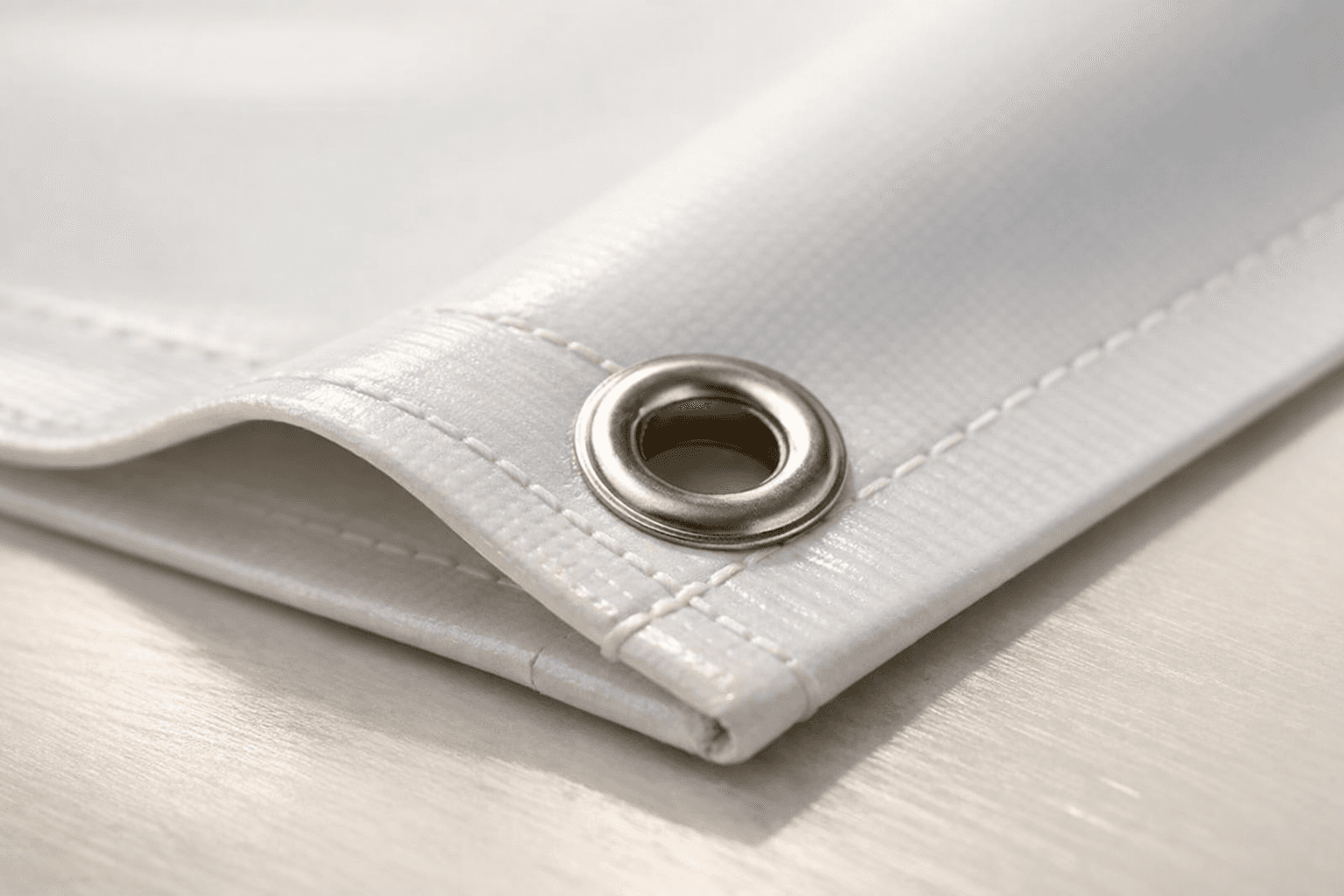
This is the shortest route to a safer file.
Large-format printing is not judged by the same rules as a photo book or brochure. What matters is the effective detail at the final print size and how far away someone will stand when reading it.
That said, detail-heavy artwork, fine lines, and smaller text need more pixel room than a simple logo with one headline. If the design feels busy, be stricter with your file quality.
Start with 2 x 4, 3 x 6, 4 x 8, or a custom dimension.
Use the file you intend to print, not a draft export.
Watch for tight crops, blurry detail, or too much copy.
Yes. PDF files are often a strong option, especially when the design includes vector text and shapes that need to scale cleanly.
A JPG can work well if it is exported large enough from the original design source. The risk goes up when it is a compressed or low-resolution image pulled from the web.
A practical rule is to keep important text, logos, and faces comfortably inside the trim area so the layout still looks intentional if the crop lands a little tighter than expected.
Ready to print
Upload the art, preview the crop, and use the size flow to avoid banner mistakes while the fix is still easy.