
Use one hero message
The banner should have a clear center of gravity.
Design polish
Professional-looking banners are usually quieter than amateur ones. They make one main point, give it room, and avoid asking the eye to do too much work.
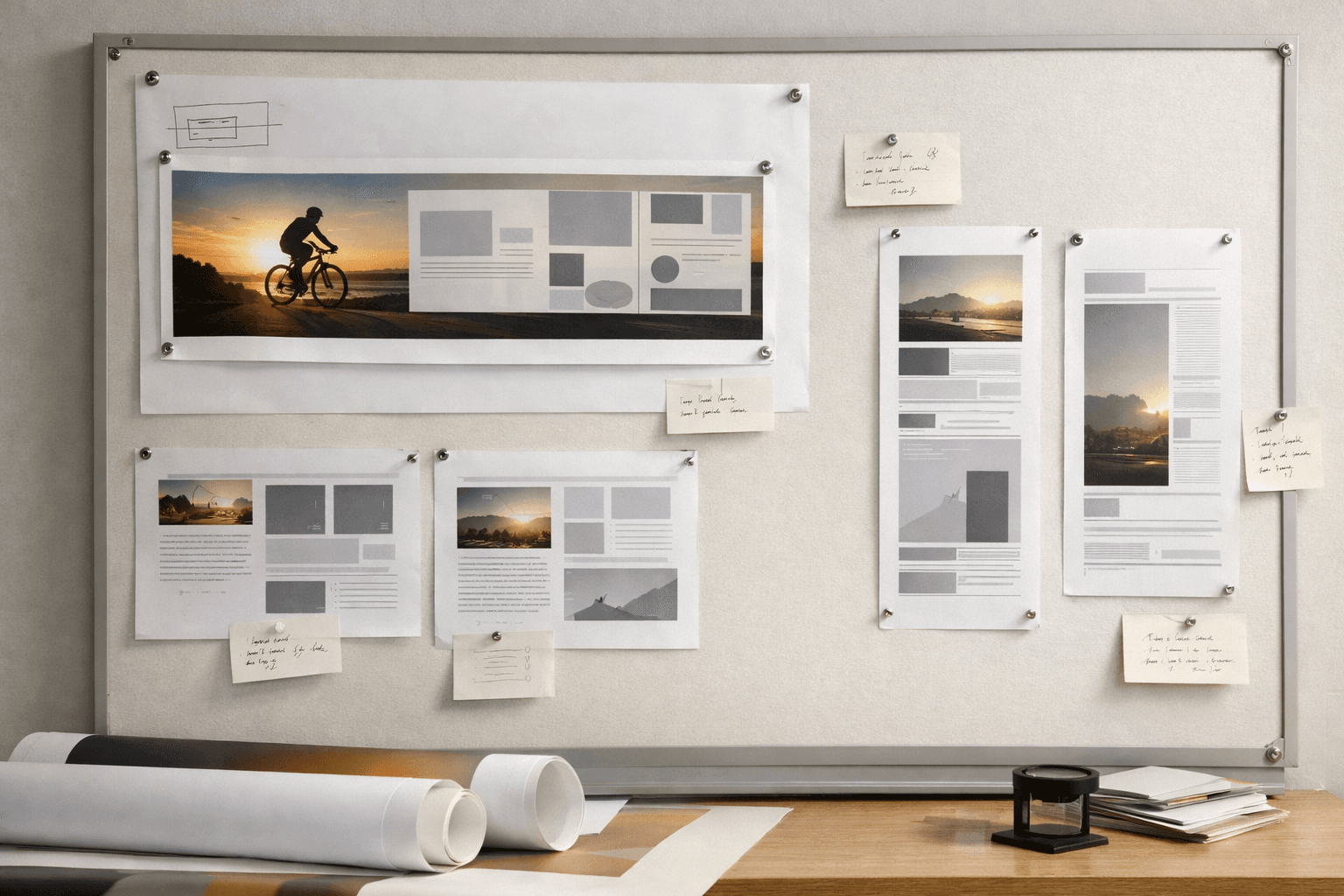
The banner should have a clear center of gravity.
Breathing room makes banners feel intentional and easier to scan.
Polish does not matter if nobody can read the design.
Remove anything that does not change the decision or action.
Give the headline more visual separation from the background.
A banner almost always benefits from larger text than you think.
Professional does not mean fancy. It means the banner feels controlled. The message is clear, the elements align, and the file quality supports the layout instead of fighting it.
That often means resisting the urge to add more badges, gradients, outlines, or decorative graphics. Clean hierarchy wins more often than extra embellishment.
Ready to print
The fastest way to judge whether a banner feels polished is to preview it in the size you want to print.