
Start with the source
Original exports beat screenshots almost every time.
Image check
This is one of the most important banner questions because it gets to the real risk. The answer depends on the source image, the final size, and how much detail the design needs to preserve.
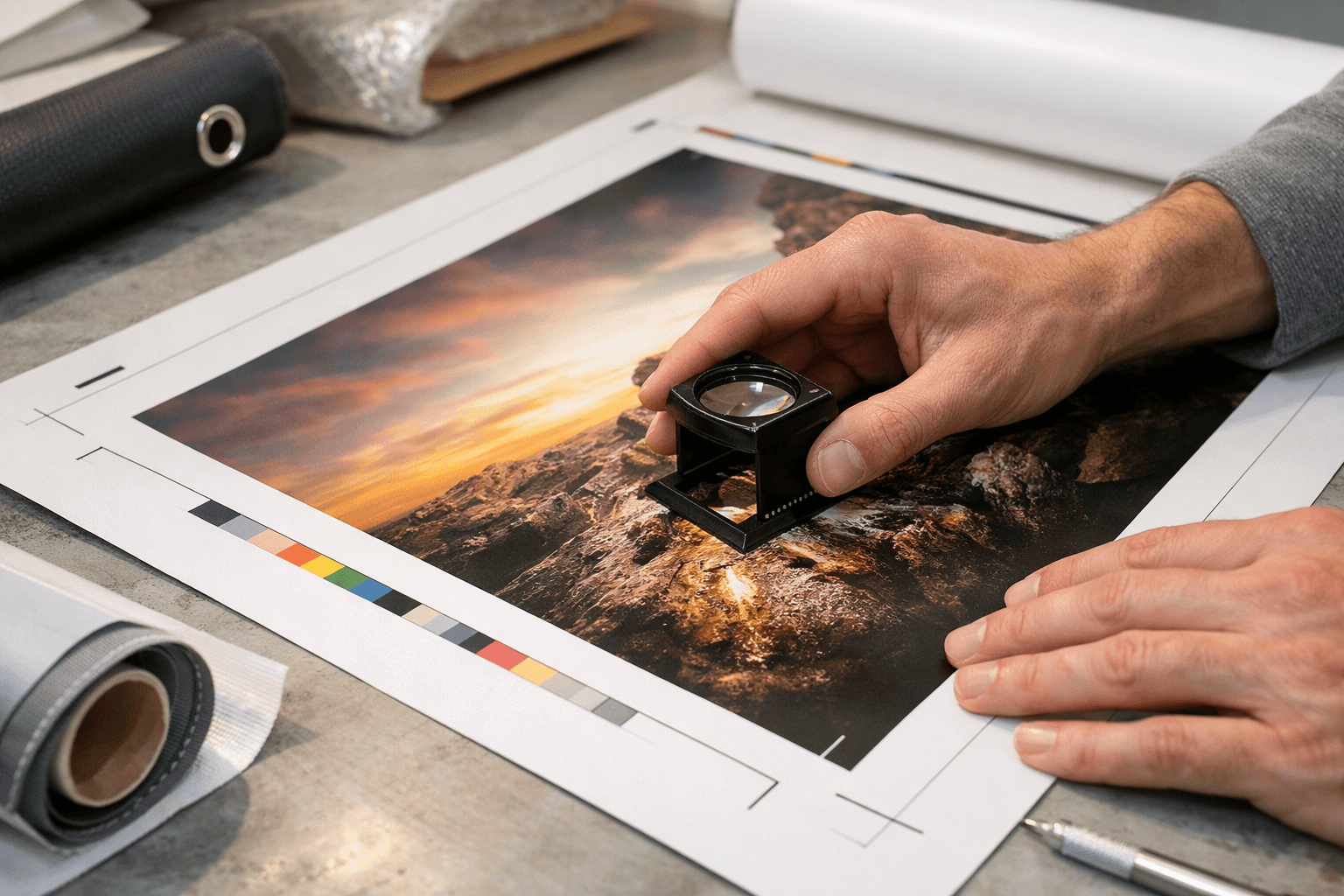
Original exports beat screenshots almost every time.
An image that works at 2 x 4 may not work at 4 x 8.
These are often the first details to look soft.
Where did the image come from? A design export, camera original, or vector PDF gives you more confidence than a compressed social image.
How large are you trying to print it? Bigger banner sizes expose weakness more quickly, especially if the design includes close-up faces or detailed text.
How close will people stand? A banner read from across a room can tolerate more softness than a photo wall where guests stand right in front of it.
Do not guess from thumbnails. Upload the image, pair it with the banner size you want, and check the preview and file quality feedback before ordering.
Ready to print
Upload the image and check how it behaves in the actual banner format you want.