
Best first size
3 x 6 ft
Use cases
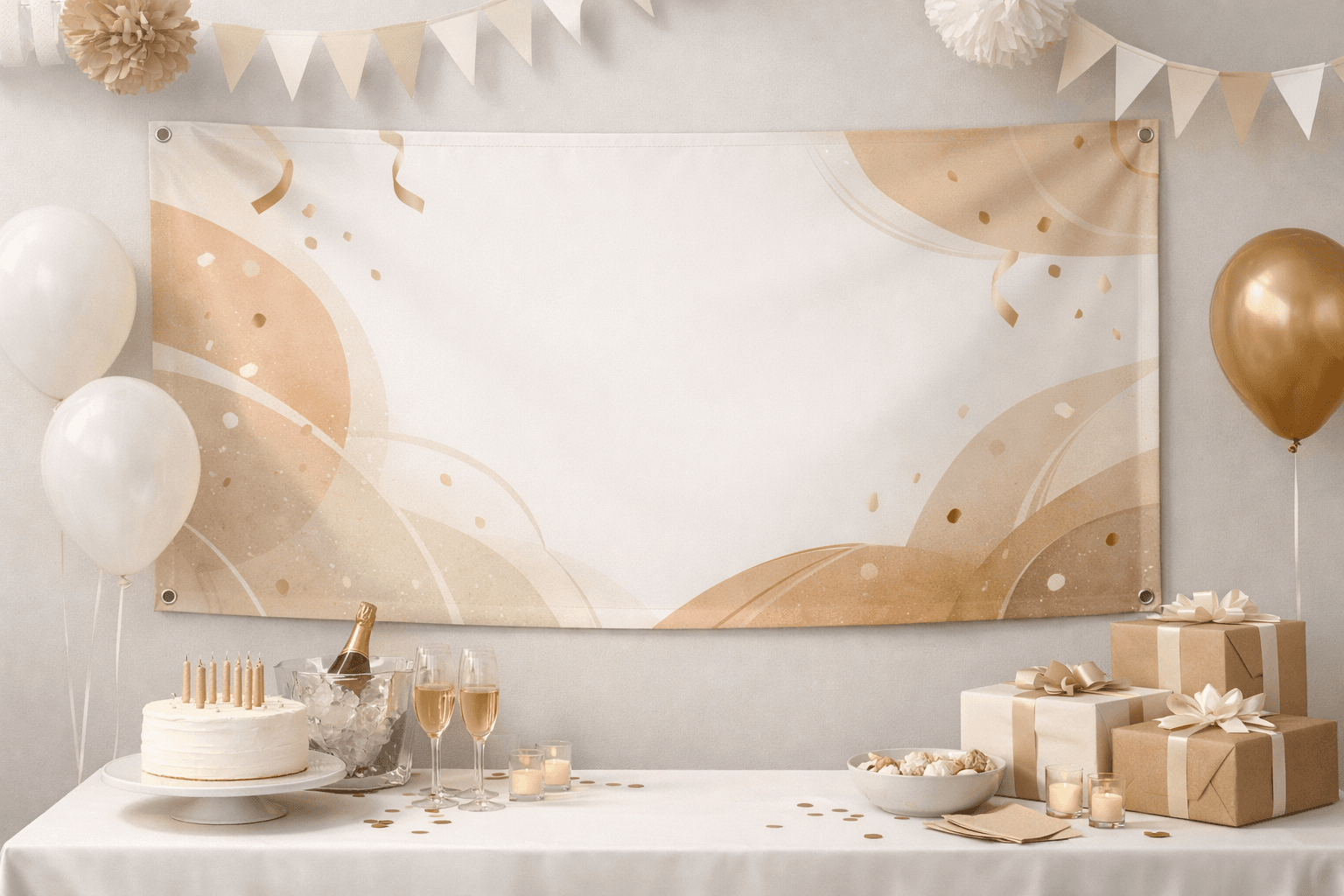
Birthday banners usually fail in one of two ways: the photo turns soft or the layout gets crowded with too many decorations. A cleaner file and the right size fix most of it.
These pages speak to the job the banner needs to do first, then connect that job to sizing, file prep, and an easy online order.
Best first size
3 x 6 ft
Ideal workflow
Upload, preview, order
Helpful next step
Check file quality
Use a sharper source image and keep the crop gentle around faces.
Make the age and name the dominant read from across the room.
Choose a size that frames the table or photo area without swallowing the space.
This banner path works best when the use case matters more than starting from a product spec.
Use a sharper source image and keep the crop gentle around faces.
Make the age and name the dominant read from across the room.
Choose a size that frames the table or photo area without swallowing the space.
The design choices change depending on who needs to read the banner and how quickly they need to understand it.
Use a sharper source image and keep the crop gentle around faces.
Make the age and name the dominant read from across the room.
Choose a size that frames the table or photo area without swallowing the space.
Keep the design focused enough to work at actual viewing distance.
Different banner jobs call for different design priorities.
The fastest route is still the safest one when the site tells you whether the file is ready. That is why MakeItBig is built around confidence before printing, not around forcing a long quote process.
Choose a likely size, upload the art, preview the crop, and only move into ordering once the banner feels right for the job it needs to do.
Ready to print
Start with the banner you already have in mind, then let the preview and size guidance do the heavy lifting.